4 min read • Updated 2026-11-29
Merge Mark Sheets & Certificates into One PDF
Combine semester mark sheets, provisional degree certificates, and cover letters into a single ordered PDF without logging in.
Step 1: Fix Orientation Before Merging
Mixed portrait and landscape mark sheets frustrate admissions reviewers. If one semester transcript was scanned sideways, fix it in Rotate PDF first so every page reads upright.
Step 2: Arrange Chronological Sequence
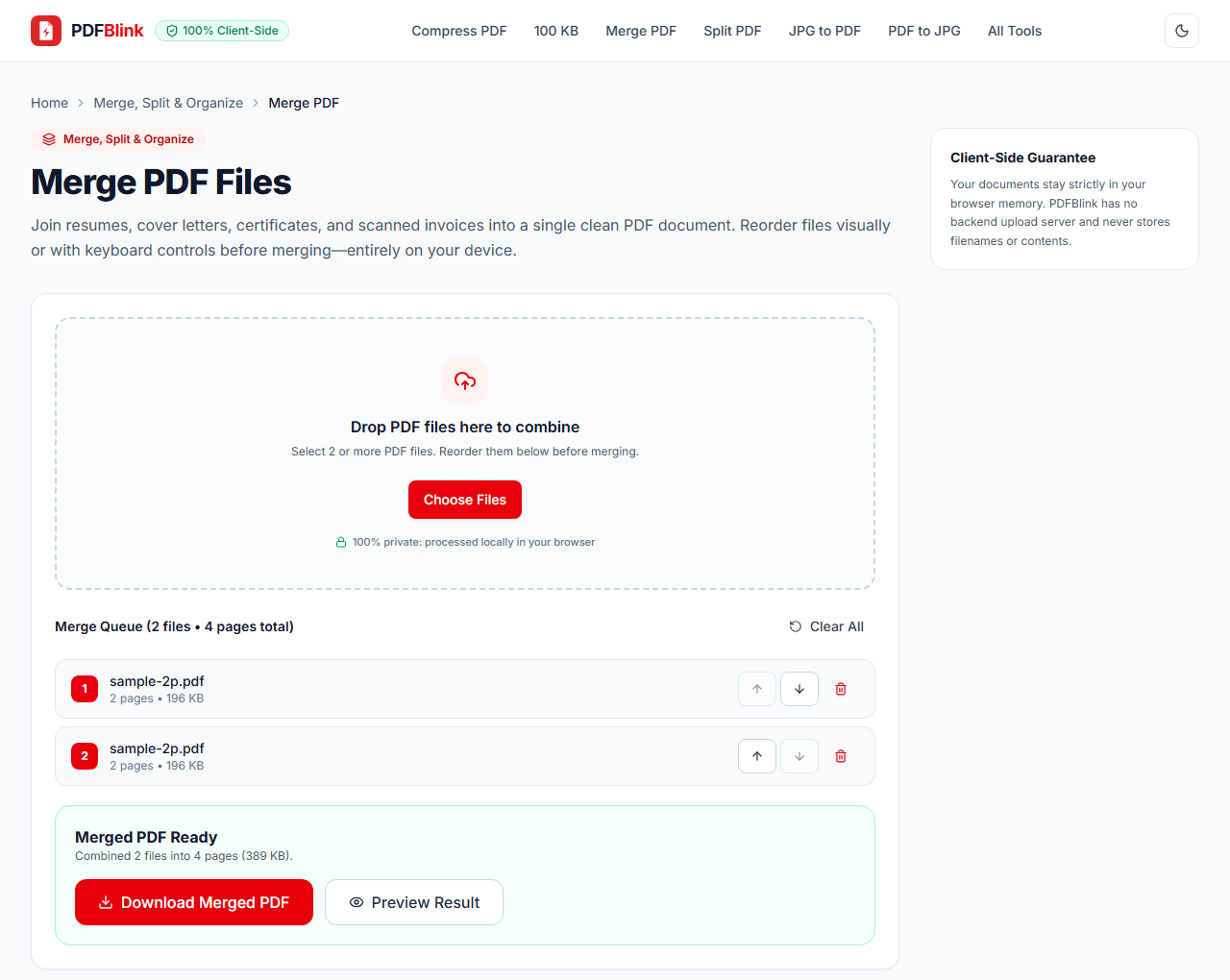
Open Merge PDF (no account or email required), add your mark sheets and certificates, and use the Up/Down arrow controls to order files cleanly—typically 10th, 12th, and Semester 1 through final transcript—before clicking Merge PDFs.
Step 3: Compress Combined Packets for Portal Limits
Once merged into a single document, check the file size indicator. If a university portal caps combined academic packets at 200 KB or 500 KB, pass the merged file straight into Compress PDF to 200 KB or Compress PDF for College Admissions.
Try it directly in your browser
Zero uploads and no registration required.